
Show couples their florals before you cut a stem
You can see the tablescape already. They cannot. WedVis turns your idea into a photoreal preview, set in their real venue, so you close the consult and design from the same picture.
14-day free trial · 250 visions · cancel anytime before day 14, no charge
Real product. Describe the arrangement, set it in their venue, render in seconds.
The vision lives in your head, not theirs
You describe garden roses and trailing greenery, they nod, and then they get nervous about the number because they cannot see what it buys. A photoreal preview of the arch and the centerpieces, in their venue, is what turns the proposal into an easy yes.
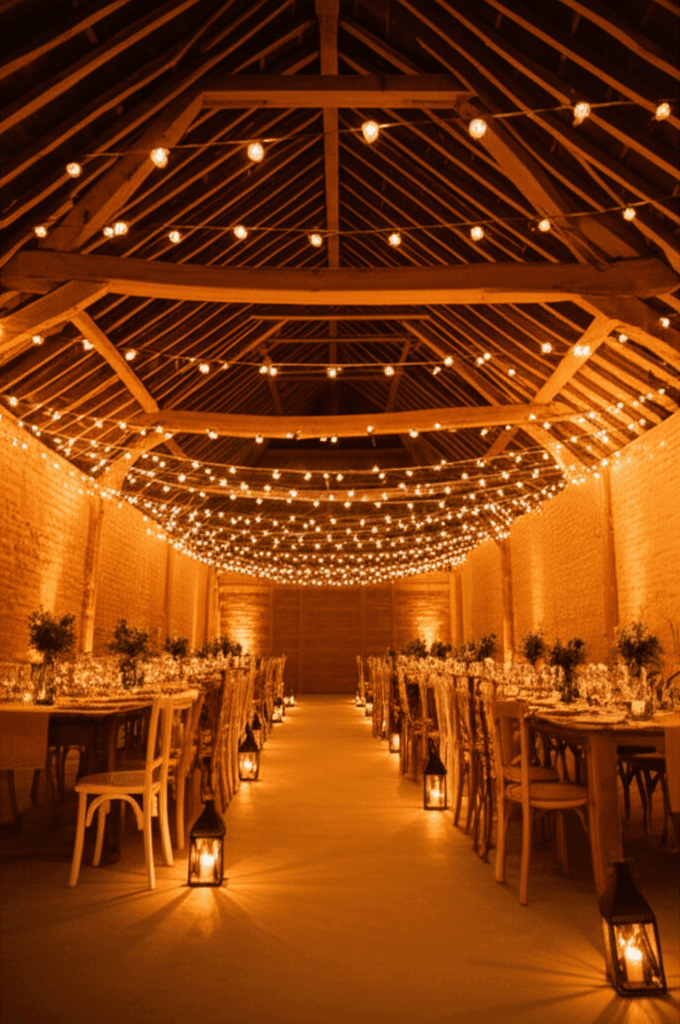
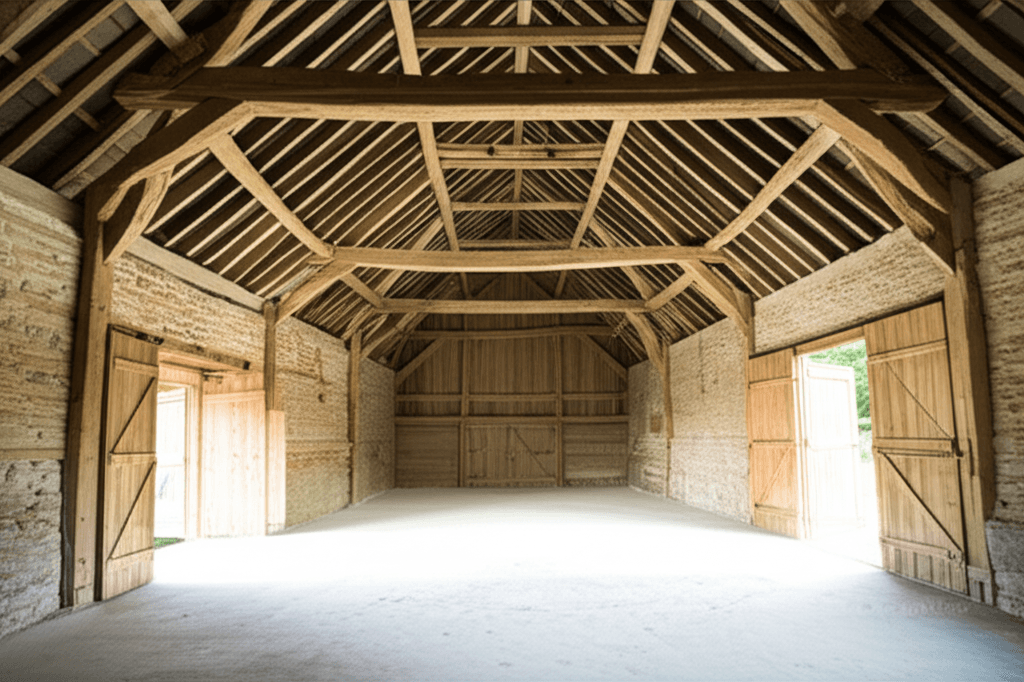
Real spaces, dressed for the day
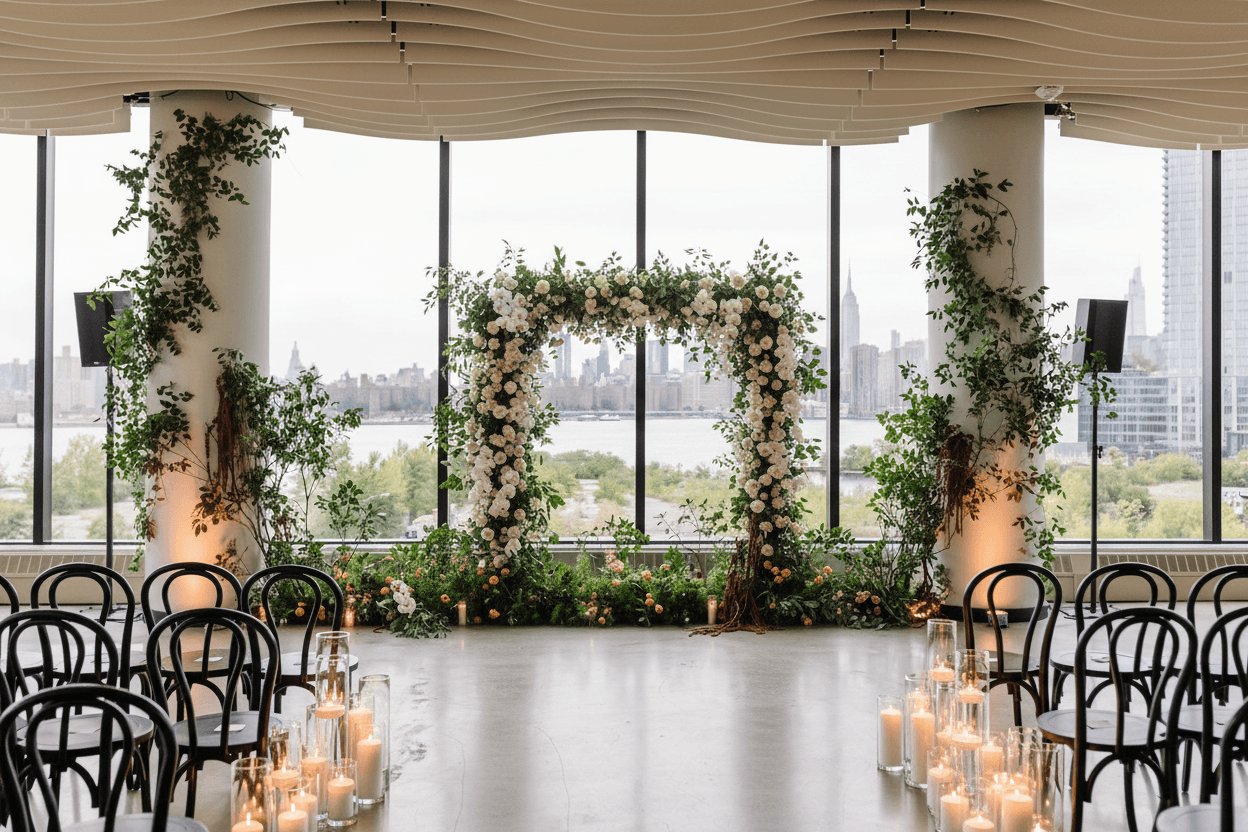
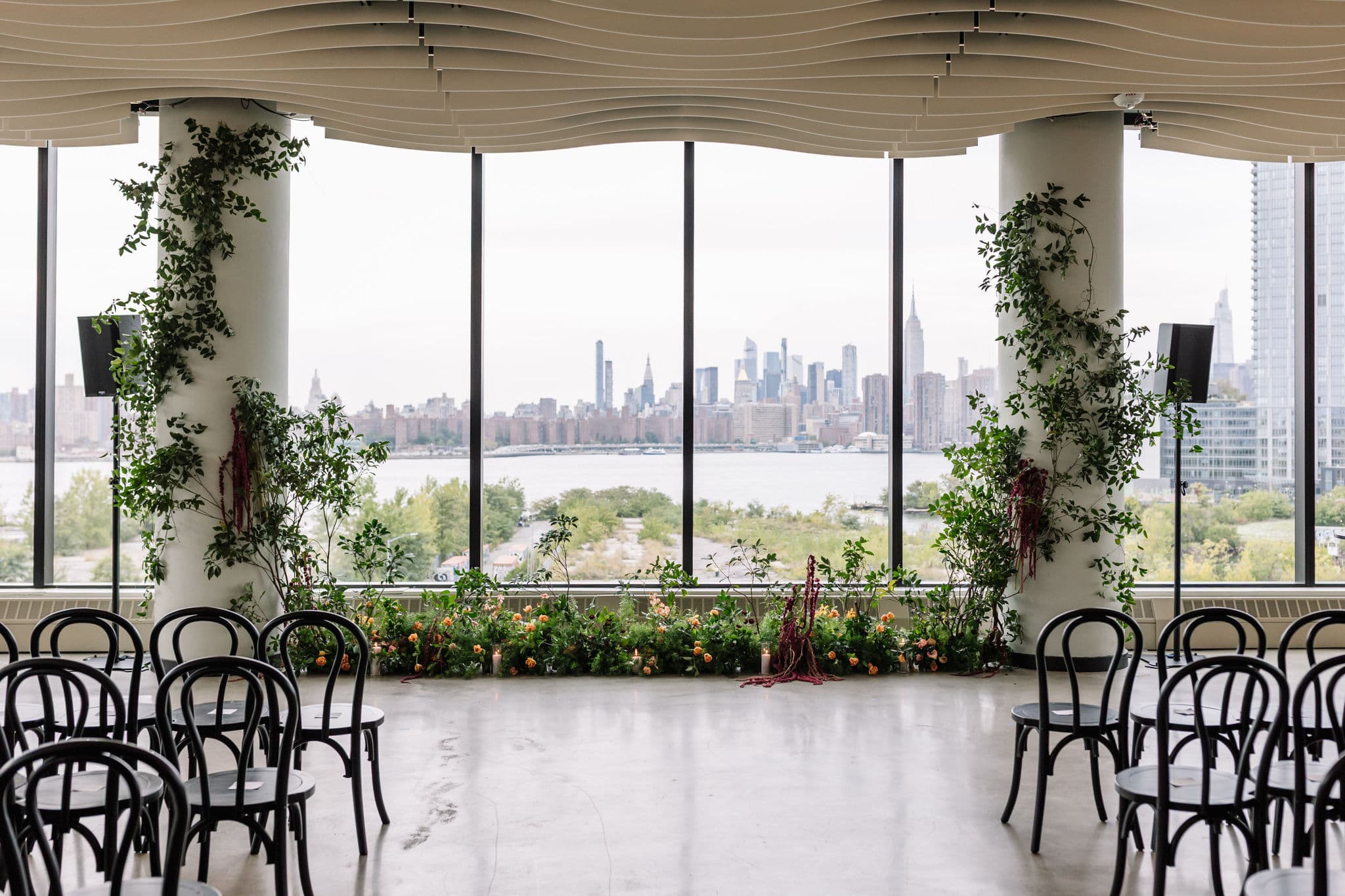
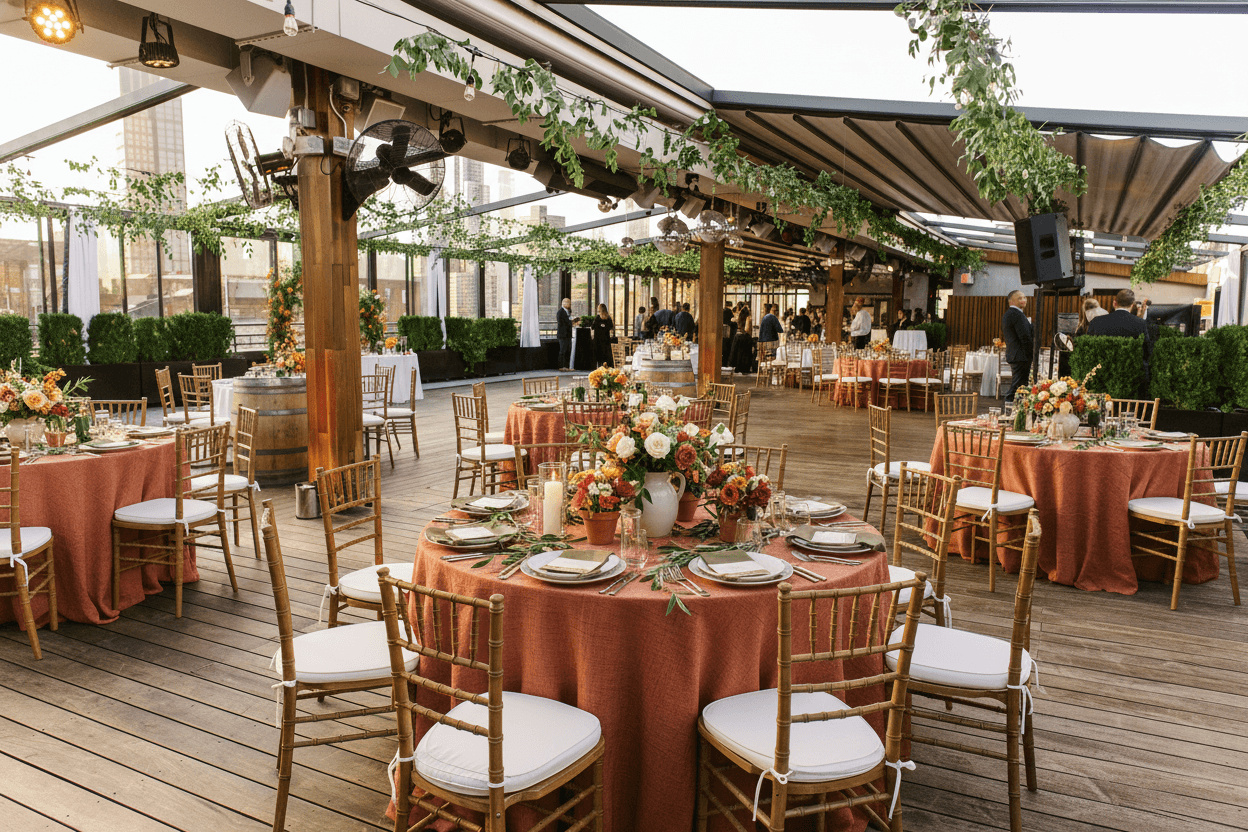
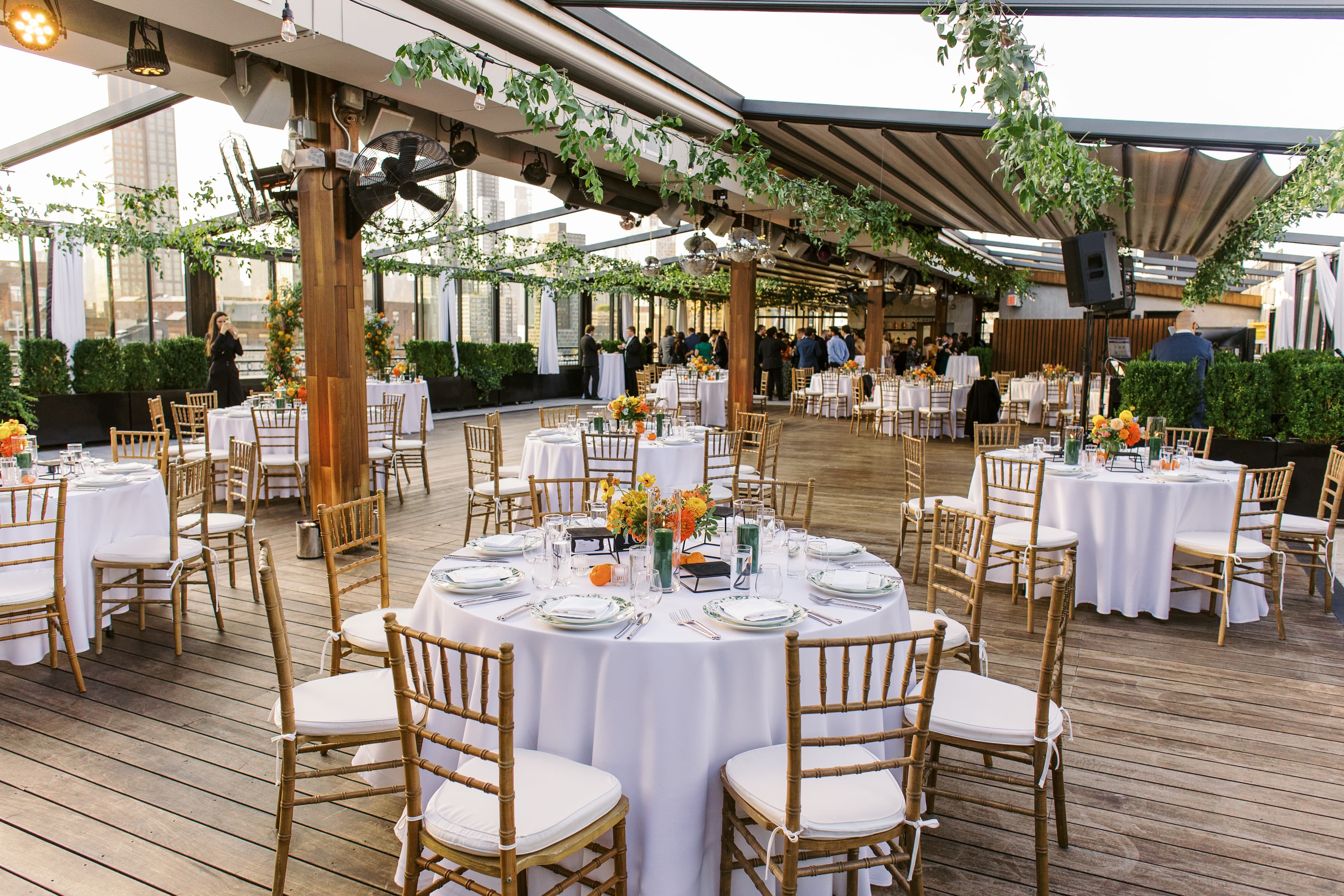
Drag the slider. Each one started as an ordinary photo, then got styled for a wedding.
From first idea to signed proposal
Mood boards that actually sell
Build a vision board with your palette, your textures, and the real arrangements, then share it for the couple to react to. Fewer "can we see another option" emails later.
Start your 14-day free trialShare for approval in a click
Send the couple a clean, branded link to react and pin what they love. You get a clearer brief and they feel part of the design.
Start your 14-day free trialProposals they can see
Put the visual next to your numbers. When a couple can see the head-table runner and the arch, the proposal stops being a list of stems and starts being their wedding.
Start your 14-day free trialThe best part: bring your couples in
Invite your couples into their own workspace and they get to react to arrangements, pin what they love, and watch the look come together between calls. It takes the back-and-forth off your plate, keeps them excited, and makes them feel part of the design. Offer it with your package and you stand out from every other florist they talked to.
- Takes the back-and-forth off your plate
- They build mood boards and see their vision
- Keeps them excited between meetings
- Makes you the one who went the extra mile
Where WedVis fits in your stack
It owns one moment, the one where you show the vision and win the booking. Everything else keeps doing its job.
It is not a floral-costing or recipe tool, it is not your CRM, and it will not guarantee a stem-for-stem match on the day. It is the fast, photoreal way to show a couple their florals in their venue and get them to book. That is the part we do better than anyone.
Simple pricing, a real trial
Every plan includes the WedVis Assistant, client workspaces, and the proposal builder. 14-day free trial with 250 visions, cancel before day 14 at no charge.
Pro
Billed annually ($468/year)
For the wedding pro who wins clients with a picture.
- 250 visions / month
- 25 client workspaces
- Image & vision-board commenting
- YOUR STUDIO
- AI business assistant with live web search
- Proposal builder + day-of coordination
- Custom-branded public studio profile
- YOUR COUPLES (free, in your workspace)
- Full Wedding Hub: checklist, budget, guests, vendors
- See themselves in the venue (Wedding Party AI)
- Mood boards, vision generation, partner sharing
- Comment on every image you send
Studio
Billed annually ($1428/year)
For studios booking 20+ weddings a year.
- 1,000 visions / month
- Unlimited client workspaces
- Image & vision-board commenting
- YOUR STUDIO
- 5 team seats · shared client workspaces
- AI business assistant with live web search · every seat
- Priority support + early access to new features
- Custom-branded public studio profile
- YOUR COUPLES (free, in every workspace)
- Full Wedding Hub: checklist, budget, guests, vendors
- See themselves in the venue (Wedding Party AI)
- Mood boards, vision generation, partner sharing
- Comment on every image you send
Questions florists ask
Does this replace my floral proposal or recipe software?
No. Keep using Details Flowers or Curate for stem counts and costing. WedVis is the visual layer: it shows the couple what the arrangement and tablescape will look like in their venue, which those tools do not do. Most florists pair them.
Can it work from just an inspiration photo?
Yes. Upload an inspiration image and pull the palette, the density, or the overall look from it, then set it in the couple's actual space.
How accurate is it to real flowers?
It is a photoreal preview to align on look and feel, not a botanical spec. It is the picture that gets the couple to yes, not a stem-by-stem guarantee.
Can my couples use it too?
Yes, and it is one of the best parts. Invite your couples into a workspace and they get to react to arrangements, pin what they love, and feel part of the design between calls. It saves you a round of revision emails and keeps them excited. Plenty of florists include it with their package so the couple feels looked after.
What does it cost to try?
Pro and Studio both come with a 14-day free trial that includes 250 visions. A credit card starts the trial, and you can cancel anytime before day 14 at no charge.
WedVis is built for your whole team
Show the flowers, book the couple
Your next inquiry could see the tablescape today
Try it on your next inquiry. Upload their venue and show them the arrangement before they ask the price.
Start your 14-day free trial14-day free trial · 250 visions · then $49/mo (or $39/mo annual) for Pro. Card required, cancel anytime before day 14 at no charge.