
You have booked your venue. You have a date, a deposit, and a vision in your head. But when you stand in the empty banquet hall, the bare garden, or the undecorated barn, a question nags at you: what will this actually look like on the day?
You are not alone. The gap between imagining a decorated venue and seeing it decorated is one of the most stressful parts of wedding planning. It leads to second-guessing color choices, overspending on "just in case" rentals, and miscommunication with vendors who interpret your words differently than you intend them.
The good news: there are real ways to visualize your wedding venue before the big day. Some have been around for years; others are brand new. Each has trade-offs in cost, time, accuracy, and ease of use.
We have compared the five most common methods so you can find the one that fits your timeline, budget, and comfort level. Whether you are a DIY planner or working with a full-service coordinator, one of these approaches will help you see your venue decorated before a single flower is arranged.
Pinterest & Mood Boards
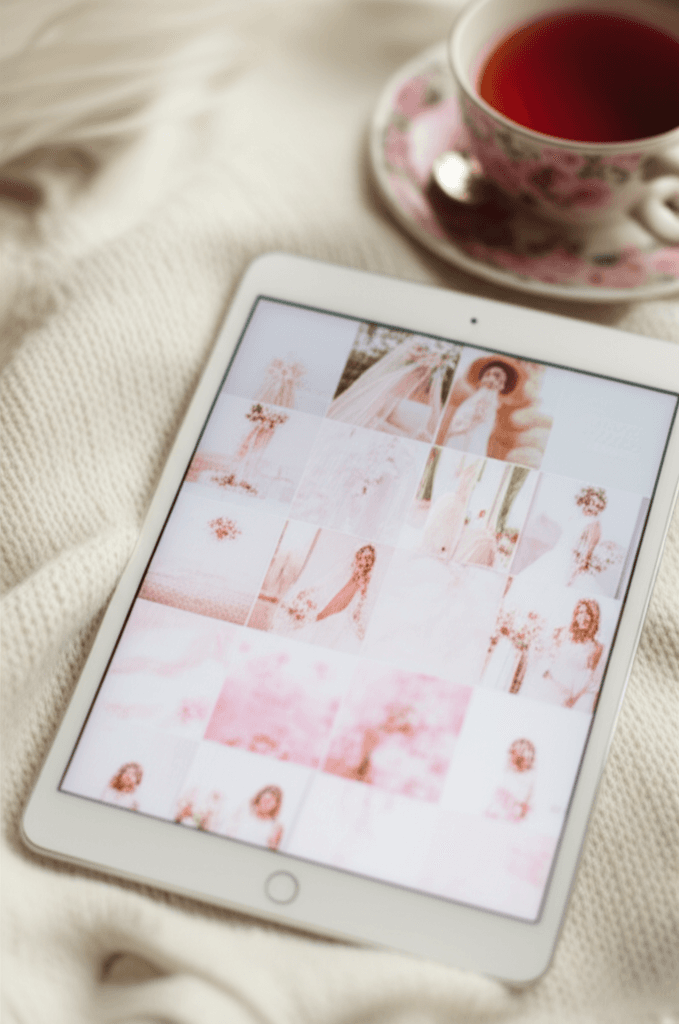
Pinterest remains the starting point for most wedding planning journeys, and for good reason. With millions of wedding images organized by style, color, and venue type, it is the largest visual library of wedding inspiration available. Creating a mood board of pins that match your vision is free, intuitive, and available on any device.
The limitation is that Pinterest shows you other people's venues, not yours. A stunning barn wedding in Napa will look very different from the barn you booked in Vermont. Proportions, lighting, ceiling height, wall color, and architectural details vary enormously between venues, and a Pinterest board cannot account for those differences. You are left imagining how the inspiration might translate to your space.
Pinterest is also a time sink. Couples report spending 10 to 20 hours curating boards, and the sheer volume of options can increase decision fatigue rather than reduce it.
Vendor Mockups & Sketches
Some wedding planners, decorators, and florists offer custom mockups or hand-drawn sketches of your venue decorated to your specifications. These are created by professionals who understand spatial design, and the results can be beautiful and highly personalized.
The trade-off is cost and speed. Professional mockups typically range from $200 to $500 or more, depending on complexity and the vendor's rates. Turnaround time is usually 1 to 2 weeks, and revisions often cost extra. This makes mockups practical only after you have already selected your vendors, not during the exploratory phase when you are still comparing options.
Quality also varies significantly between vendors. Some produce photorealistic digital renderings; others offer basic sketches that require imagination to interpret.
3D Design Software
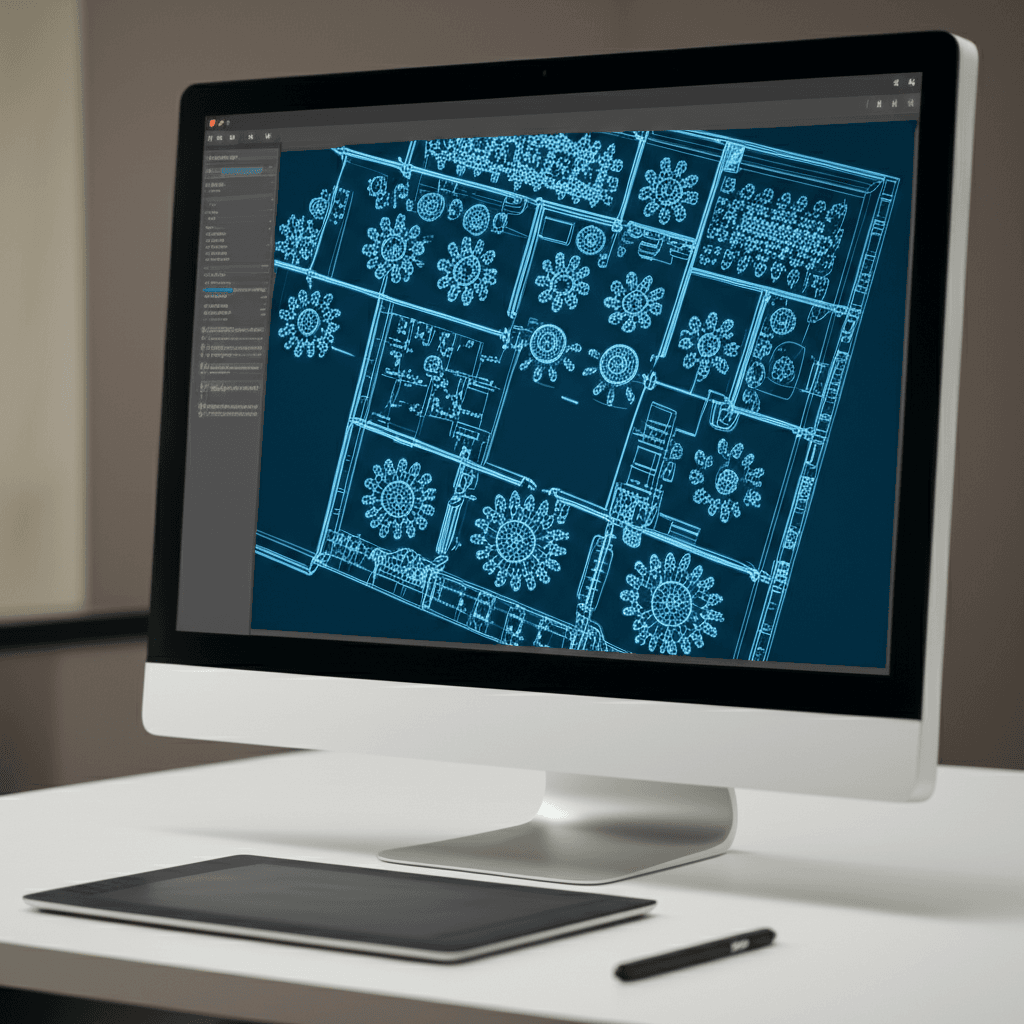
Tools like SketchUp, AllSeated, and various floor plan applications allow you to build a three-dimensional model of your venue and place furniture, decor, and lighting within it. The results can be precise and detailed, especially for layout and spatial planning.
The barrier is the learning curve. Most 3D design tools require hours of practice before you can produce anything useful. Professional-grade software costs $100 to $500 per year, and even consumer-friendly options demand technical patience that most couples do not have time for during wedding planning.
These tools excel at floor plans and seating arrangements but struggle with the atmospheric qualities that make a venue feel magical: soft lighting, the texture of fabric, the warmth of candlelight. You get accurate dimensions but not the emotional feel of the space.
Venue Virtual Tours
Many venues now offer 360-degree virtual tours on their websites, allowing you to explore the space from multiple angles without visiting in person. Some use Matterport or similar technology to create immersive walkthrough experiences. These tours are excellent for understanding the layout, scale, and architecture of a space.
The critical limitation: virtual tours show your venue empty. You see bare walls, empty tables (if any), and default lighting. They answer the question "what does this space look like?" but not "what will this space look like when it is decorated for my wedding?" And that second question is the one that actually keeps couples up at night.
Virtual tours are also controlled by the venue, so you cannot customize what you see. There is no way to add your florals, your lighting, or your color palette to the tour.
AI Venue Visualization
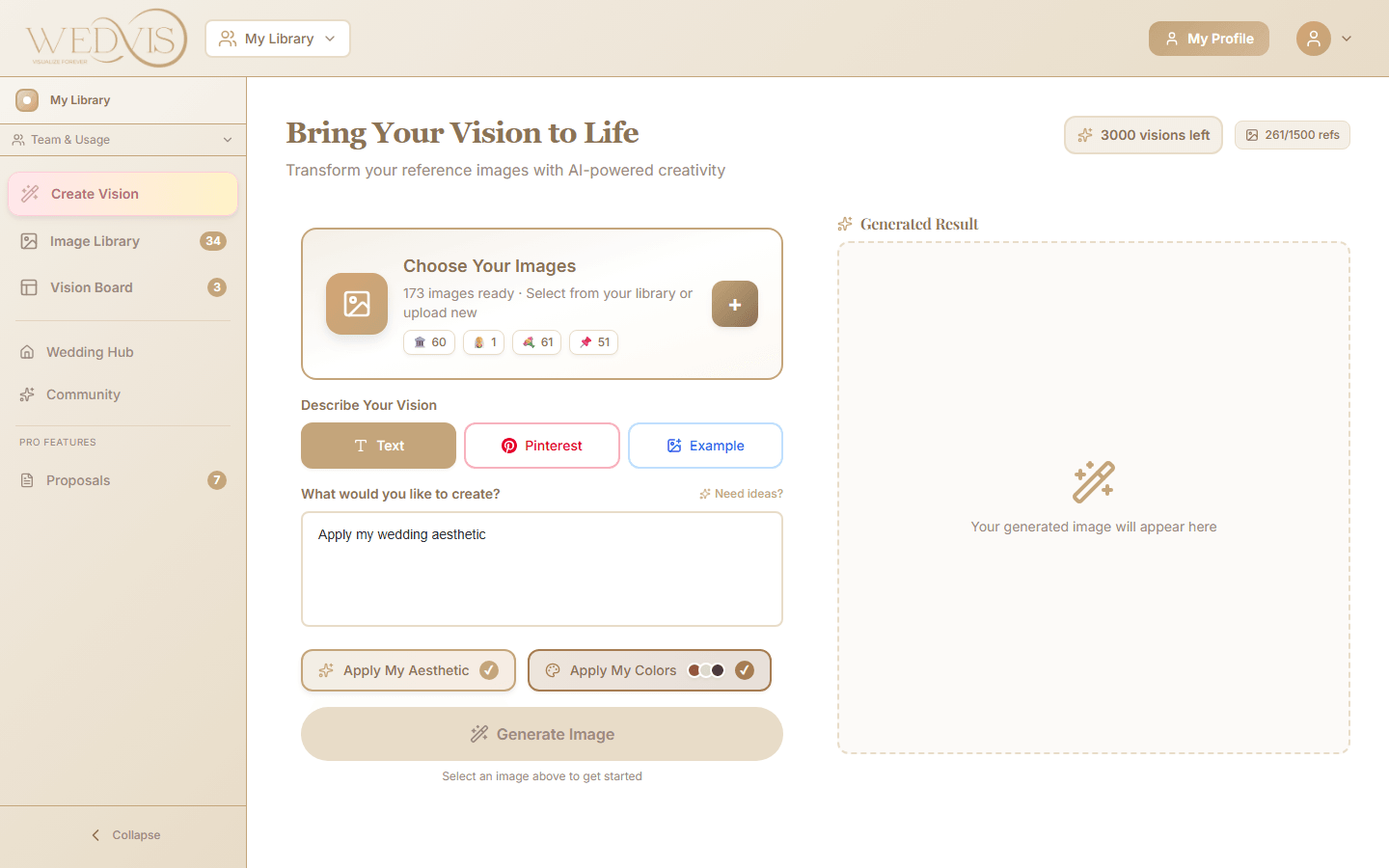
AI venue visualization is the newest method and addresses the core limitation of every other approach: it uses your actual venue photo and transforms it with your described aesthetic to produce a photorealistic rendering of your decorated space.
The process is simple. You upload a photo of your venue, write a description of what you want to see (colors, florals, lighting, furniture, mood), and the AI generates a photorealistic rendering in seconds. You can iterate as many times as you want, trying different styles, color palettes, and decor themes on the same venue to compare results side by side.
The advantages are significant: it is fast (seconds, not weeks), affordable (free to start, with paid plans for unlimited use), uses your actual space (not generic inspiration), and requires zero design experience. The results are photorealistic enough to share with vendors, planners, and family members as a reference.
The main caveat is that AI interpretation may differ in small details from what you would achieve physically. The rendering is a close representation, not an exact blueprint. But for making confident design decisions and communicating your vision, it is the most effective tool currently available.
Try it yourself: upload your venue photo and see it transformed
Comparison Table
| Method | Cost | Time | Accuracy | Your Venue | Ease |
|---|---|---|---|---|---|
| Pinterest & Mood Boards | Free | 10-20 hrs | Low | No | Easy |
| Vendor Mockups | $200-500+ | 1-2 weeks | High | Yes | Done for you |
| 3D Design Software | $100-500/yr | 5-20 hrs | Medium | Manual | Hard |
| Virtual Tours | Free | Minutes | N/A | Yes (empty) | Easy |
| AI Visualization | Free to start | Seconds | High | Yes | Easy |
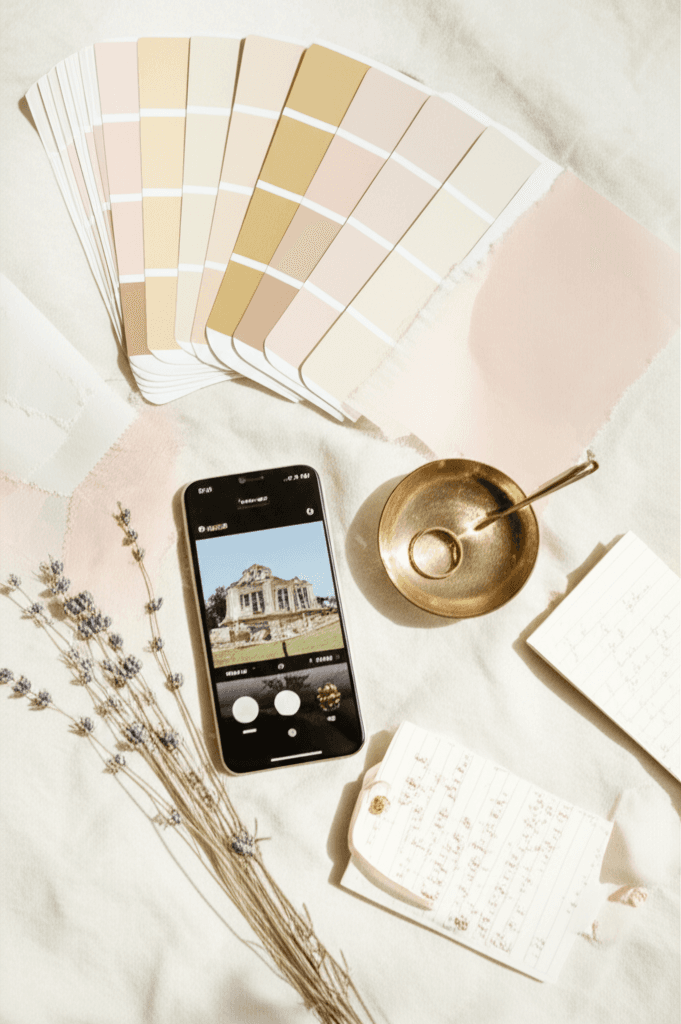
How to Get the Best Results from AI Venue Visualization
If you decide to try AI venue visualization (and we recommend it as the fastest, most cost-effective option), here are five tips to get the most accurate and useful results from your first session.
Frequently Asked Questions
Ready to See Your Venue Transformed?
Upload your venue photo and see it decorated with your dream aesthetic in seconds. No design skills needed, no waiting for vendor mockups. Just your venue, your vision, and AI that brings it to life.